

Email bounce and spam complaints remain the most common problem email senders face. If bounce rates exceed 2%, mailbox providers may lose trust in your sending domain and IP. As a result, inbox placement drops, and even legitimate emails may end up in spam. However, domains with a strong sender reputation typically maintain a bounce rate below 1%.
So where do these problems actually begin? They start when low-quality email addresses are added to your list. An email verification tool solves this at the source by validating email addresses before campaigns are sent. By filtering out invalid, disposable, and catch-all addresses, these tools reduce hard and soft bounces, improve data quality, increase engagement, and strengthen overall campaign performance.
In this guide, we’ve reviewed the top 10 email verification platforms based on accuracy, core features, pricing clarity, and real user feedback from G2, Capterra, and Trustpilot. More importantly, we explain which tools work best for different use cases, so you can choose the right solution, protect your sender reputation, and improve long-term deliverability.
How We Evaluated These Email Verification Tools
Each email verification tool was assessed using consistent, structured criteria designed to provide reliable, actionable insights. Our approach emphasizes verified user feedback, measurable performance, and feature clarity.
The evaluation focused on five key areas:
✔️
Accuracy and Validation Quality
We assessed each tool’s ability to correctly identify invalid addresses, disposable emails, and catch-all domains. Tools with consistent high ratings from verified users and that claim 95% or higher accuracy received better scores.
We assessed each tool’s ability to correctly identify invalid addresses, disposable emails, and catch-all domains. Tools with consistent high ratings from verified users and that claim 95% or higher accuracy received better scores.
✔️
Core Capabilities
We prioritized tools that offer essential features, including SMTP checks, MX record validation, disposable email detection, and clear result categorization, while ensuring functionality is simple and uncluttered.
We prioritized tools that offer essential features, including SMTP checks, MX record validation, disposable email detection, and clear result categorization, while ensuring functionality is simple and uncluttered.
✔️
Pricing Transparency and Value
We analyzed pay-as-you-go and subscription models, cost per 1,000 or 100,000 emails, availability of free credits, and scalability of pricing for growing email lists.
We analyzed pay-as-you-go and subscription models, cost per 1,000 or 100,000 emails, availability of free credits, and scalability of pricing for growing email lists.
✔️
Compliance and Data Security
We considered that responsible data handling and GDPR compliance are essential, particularly for organizations with subscribers in regions governed by strict privacy laws.
We considered that responsible data handling and GDPR compliance are essential, particularly for organizations with subscribers in regions governed by strict privacy laws.
✔️
Real User Feedback
We reviewed feedback from real users on G2, Capterra, and Trustpilot to evaluate each tool performance, reliability, and support. This gave us an insight into how the tools work in real situations.
We reviewed feedback from real users on G2, Capterra, and Trustpilot to evaluate each tool performance, reliability, and support. This gave us an insight into how the tools work in real situations.
By combining these factors, this guide highlights tools that are accurate, dependable, and suitable for different email verification needs.
TL;DR - Quick Comparison Table for Email Validation Tools
Use the table below to quickly compare the leading email verification tools. It provides a clear, side-by-side view of features, pricing, and free trials, making it easier to identify the right solution for your email campaigns.
Tool |
Features |
Pros |
Cons |
Pricing |
Free Credits |
Cost per 10k verifications (Monthly Plan) |
|---|---|---|---|---|---|---|
| ExactVerify | Bulk & real-time verification syntax/MX/SMTP validation, disposable filtering, encrypted data storage | 99.9% accurate email verification,, flexible pricing, simple to integrate | New and emerging tool that is still gaining awareness in the market | Pay-as-you-go/Monthly Plan | Free credits included | $22 |
| ZeroBounce | Bulk & real-time verification, AI scoring, spam trap detection | Detailed insights, strong integrations | Higher cost for large email list | Pay-as-you-go/Monthly Plan/Annual Plan | Free credits included | $79 |
| Never Bounce | List cleanup, CRM & email platform integrations | Easy to use, instant bounce analysis | Entry pricing begins around $8 per 1,000 credits, which can be costly for smaller lists | Pay-as-you-go/ Monthly Plan | Free credits available | $49 |
| DeBounce | Real-time validation widget, catch-all validation | Affordable pricing, Extensive Integrations | Limited reporting depth | Pay-as-you-go/ Monthly Plan | Free credits offered | $13.80 |
| Clearout | Bulk & real-time verification, spam trap detection, disposable filtering | High Accuracy and Performance | Catch-all labeling lacks clarity | Pay-as-you-go/ Monthly Plan/Annual Subscription | Free credits available | $58 |
| Bouncer | Real-Time API & bulk cleaning, Catch-all domain analysis | Reliable verification, simple workflow | Higher cost for large email list | Pay-as-you-go/ Monthly Subscription | Free credits available | $48 |
| Kickbox | Bulk & real-time, CRM integrations | Reliable email verification, smooth integration | Disposable and catch-all detection limited | Pay-as-you-go | Free credits available | No monthly Plan |
| Hunter | Email Address Lookup and verification | Good accuracy in verification, easy integrations | Higher cost for large email list | Pay-as-you-go/Monthly Plan/Annual Plan | Free plan with limited verifications | $149 |
| Emailable | Bulk email list verification & email quality score detection | Fast Processing Speed, Intuitive design | Inaccuracy on catch-all emails | Pay-as-you-go/ Monthly Plan | Free credits included | $51 |
| EmailListVerify | Bulk email Validation, Comprehensive syntax/ MX record checks | Budget-friendly pricing, accurate bulk verification | Slow performance with Large list | Pay-as-you-go/ Monthly Subscription | Free credits included | $25 |
Best Email Verification Tools in 2026
Choosing the right email verification tool can significantly improve your deliverability and protect your sender reputation. In 2026, the leading platforms combine high validation accuracy, comprehensive feature sets, transparent pricing, and reliable support to help marketers maintain clean email lists and reduce bounces. Below is a curated list of the best email verification tools available today, with key highlights to help you identify the right fit for your needs.
1. ExactVerify
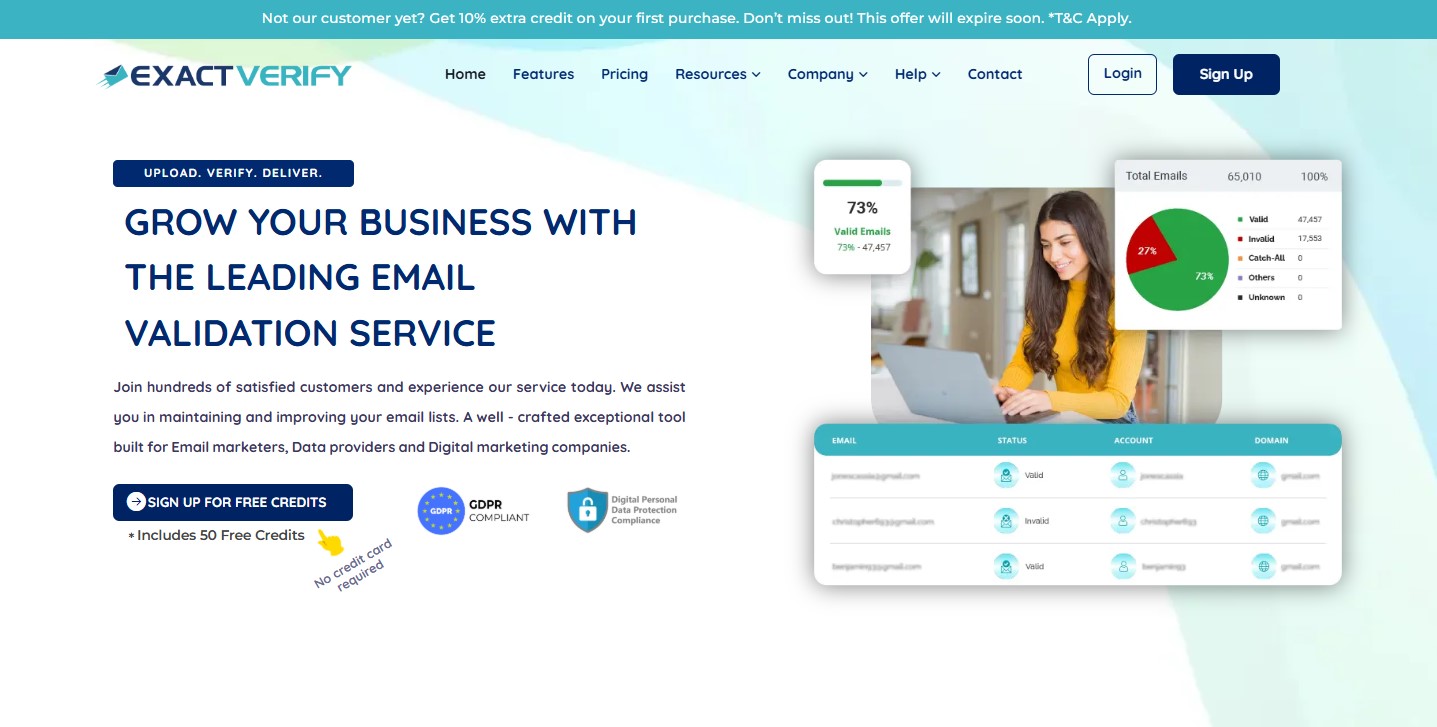
ExactVerify is a simple, reliable, all-in-one email verification tool designed to help businesses reduce email bounces and spam while maintaining high deliverability. It focuses on improving list hygiene through pre-campaign bulk email verification, making it ideal for marketers, SaaS companies, and lead-generation teams managing large email lists.
ExactVerify performs multiple checks, including syntax validation, domain and MX record checks, SMTP verification, and detection of disposable email addresses. These checks help identify invalid or high-risk email addresses.
The platform supports bulk email list verification, allowing users to upload large lists, review verification results, and remove invalid email addresses. It also offers a JavaScript-based email validation widget for forms, preventing invalid or mistyped email addresses from being submitted in your signup forms. This helps improve list quality, protect sender reputation, and support better inbox placement over time.
The ExactVerify interface is clean and easy to use, allowing you to upload lists, review results, and export cleaned email lists with clearly organized results.
Key Features
●
Performs multi-layer email verification, including syntax validation, MX checks, SMTP verification, bounce risk analysis, and catch-all detection
●
Automatically removes duplicate and invalid addresses to maintain clean, high-quality email lists
●
Supports bulk list uploads with flexible export options, making it easy to process and manage large datasets.
●
Provides real-time email validation widgets for web forms to prevent invalid signups
●
Ensures secure, encrypted data handling and complies with GDPR and DPDP data protection standards
●
Includes access to Free Email Checker for quick checks.
Pros
●
High accuracy: 99% email verification accuracy helps maintain strong deliverability and effectively reduces email bounces
●
Effortless bulk verification: Clean, simple interface makes list cleaning fast and intuitive
●
Flexible pricing options: Offers both pay-as-you-go and monthly subscription plans, allowing you to scale verification according to list size and usage needs
●
JavaScript widget for forms: Prevents invalid or mistyped emails from being submitted in your signup forms
Cons
●
Limited integrations for automated workflows
●
Recently launched platform with limited market recognition
Pricing
●
Free plan: ExactVerify includes 50 free verification credits so users can test the service accuracy
●
Pay-as-you-go pricing: Users can buy credits anytime. For example, 2,000 verifications cost $8, and unused credits do not expire
●
Monthly plans: Monthly plans start at $6 per month for users who need regular email verification.
●
Flexible scaling: Users can upgrade plans or purchase extra credits whenever needed, depending on their list volume
What Users Say
●
Users mention ExactVerify effectively identifies invalid, temporary, or disposable emails, leading to cleaner email lists and fewer bounces
●
Reviewers describe the verification experience as simple to use, with fast list processing and easy setup
●
Many appreciate that the tool filters out risky and catch-all addresses, improving deliverability and campaign success
●
Users have noted that the 50 free credits and quick initial validation help them evaluate the tool before purchasing
Best For
●
Marketers who need to clean and organize email lists
●
SaaS and e-commerce businesses validating emails at signup
●
Organizations focused on reducing bounces and improving deliverability
2. ZeroBounce
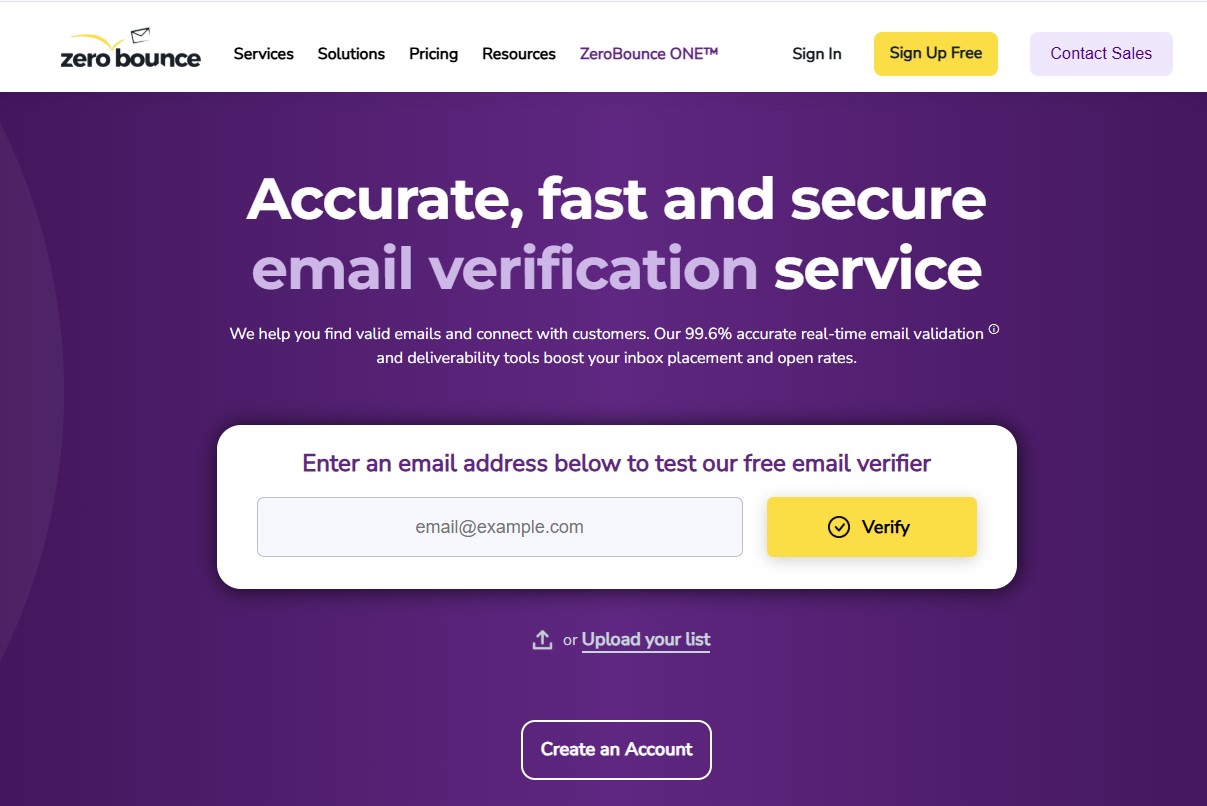
ZeroBounce is an email verification platform designed to help marketers and lead-generation agencies validate email addresses to reduce bounce rate. It supports bulk verification and real-time validation via API or integrations, identifying invalid, disposable, catch-all, and spam-trap addresses. The platform also provides activity scoring features to help prioritize high-quality contacts.
ZeroBounce is ideal for users who want deeper insights into their email lists, not just basic validation. Its advanced features allow users to segment email contacts based on email quality and engagement.
Key Features
●
Syntax, domain, MX, and SMTP checks
●
Detection of disposable, role-based, and spam-trap emails
●
AI-powered email scoring and activity data
●
Bulk verification with flexible export options
●
Real-time API validation for forms and integrations
Pros
●
Advanced analytics for email quality insights
●
Strong CRM and marketing platform integrations
●
AI scoring helps prioritize valuable contacts
Cons
●
Starting price is very high, making it less budget-friendly for teams that need frequent large-scale verification
●
Some features may require a learning curve for beginners
Pricing
●
Free credits: available for testing
●
Pay-as-you-go: Purchase credits as needed
●
Subscription plans: Monthly options for regular use
What Users Say
●
Users highlight accurate verification and AI scoring, which reduce bounces and improve deliverability.
●
Detailed reporting and analytics help refine campaigns and segment contacts.
Best For
●
Large-scale marketers managing high-volume campaigns
●
Agencies and SaaS companies seeking advanced analytics and spam-trap detection
3. NeverBounce
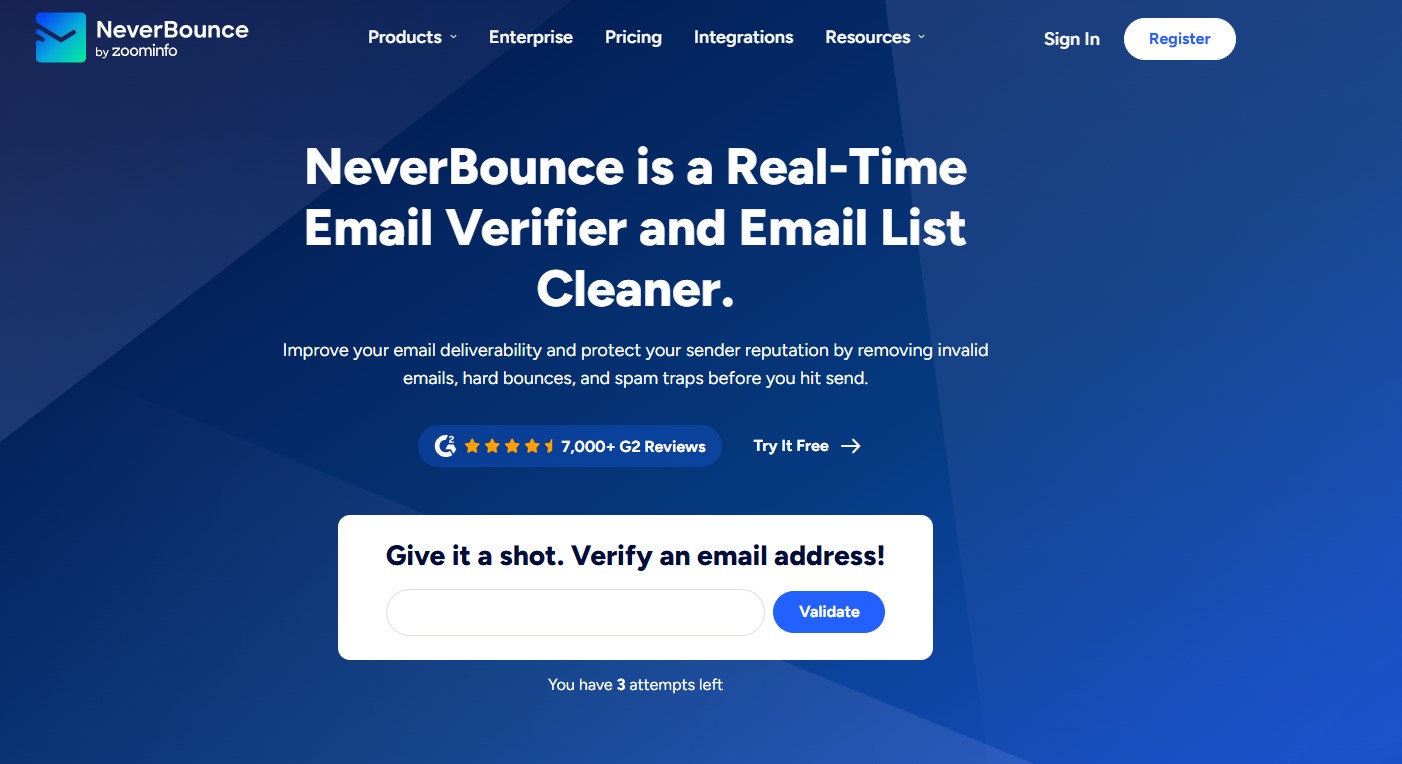
NeverBounce is primarily known for cleaning large email lists and integrating with existing marketing and CRM systems. Instead of focusing on advanced analytics or scoring, it emphasizes list cleanup and dependable integrations.
Users can upload email lists directly into the NeverBounce dashboard or connect the platform with CRM and email marketing tools. Email checks run automatically, eliminating the need to manually export and re-upload lists.
Email verification results are presented in simple, easy-to-understand categories, with each email clearly labeled as valid or invalid.
Key Features
●
Automated verification via CRM and email platform integrations
●
Scheduled list cleaning to maintain database quality over time
●
Clear and detailed result labels to identify valid and invalid contacts
●
Fast processing for large email lists
Pros
●
Easy to use: Simple dashboard with minimal setup required
●
Strong integrations: Works well with common CRM and email marketing platforms
●
Reliable list cleanup: Suitable for maintaining list hygiene over time
Cons
●
Provides only 10 free validation credits for business account
●
Purchased credits expire after 12 months
Pricing
●
Subscription and pay-as-you-go options available
●
Free credits to verify emails before using paid plans
What Users Say
●
Users frequently highlight that NeverBounce is easy to use, even when handling large email lists.
●
Some users say catch-all email results can be confusing, and large lists may sometimes take longer to process
Best For
●
Individuals cleaning large email databases
●
Users who rely heavily on CRM and email marketing integrations
●
Sales teams verifying lead lists before outreach
4. DeBounce
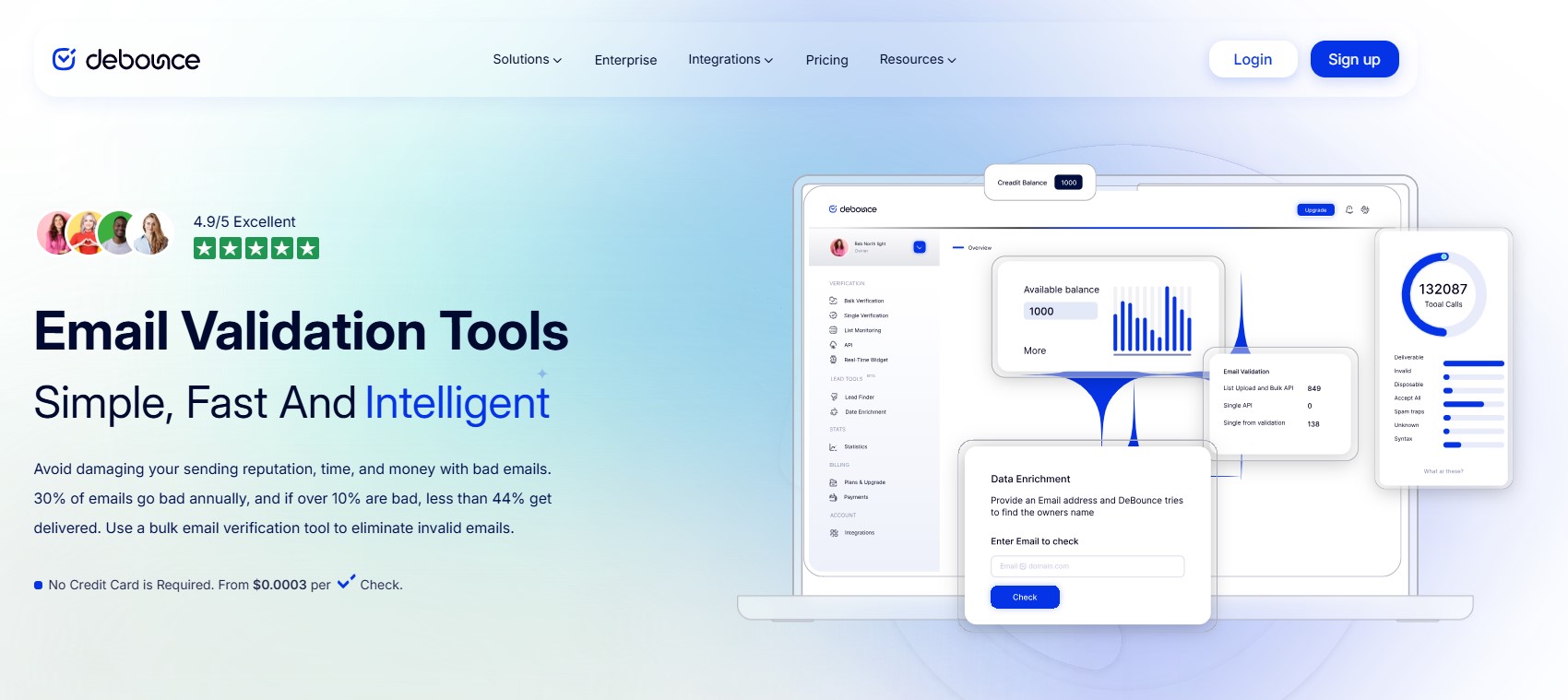
DeBounce is a budget-friendly email list-cleaning tool for users who need simple, low-cost verification. It focuses on practical bulk cleanup rather than advanced deliverability optimization, making it a suitable choice for occasional or cost-sensitive campaigns.
Users upload email lists to the dashboard, where DeBounce runs essential checks to filter out invalid, disposable, duplicate, and catch-all addresses. Results are grouped into categories that make it easy to segregate and review contacts.
The platform also includes a real-time validation widget, API access, and daily email list monitoring options. While it lacks advanced deliverability analytics, it offers straightforward verification at an accessible price.
Key Features
●
Bulk email verification for quick list cleaning
●
Detects invalid, disposable, duplicate, and catch-all emails
●
Real-time API and validation widget for forms
●
Integrates with major ESPs and CRM platforms
●
Fast bulk processing for large lists
Pros
●
Affordable and cost-effective for list cleaning
●
User-friendly dashboard with easy uploads
●
Supports API access and bulk verification
Cons
●
Focuses primarily on verification rather than advanced list analytics or segmentation.
●
The API supports core verification functions but offers limited advanced controls and customization.
Pricing
●
You can pay only for the verifications you use, and monthly subscription plans are also available.
●
Free credits are available to test email verification before using a paid plan.
What Users Say
●
Users frequently highlight that DeBounce is affordable and easy for basic email list cleaning.
●
Many mention that it processes lists quickly, but the results lack the detail of those from advanced verification tools.
Best For
●
Small businesses and freelancers seeking a cost-effective email address verifier
●
Senders running occasional or one-time email campaigns
●
Users who need basic list cleanup without advanced deliverability analysis
5. Clearout
Clearout helps businesses maintain clean email lists by identifying invalid, disposable, role-based, and catch-all addresses.
Beyond standard verification, Clearout offers features like duplicate removal and list segmentation to support outreach and targeted campaigns. The platform integrates with major email marketing and CRM tools and provides API access for automated workflows. Its flexible pricing, including pay-as-you-go and subscription plans, makes it suitable for businesses with different email volumes.

Key Features
●
Bulk email verification for efficient list cleaning
●
Detects invalid, disposable, role-based, and catch-all emails
●
Real-time API and browser extension for signup forms
●
Integrates with major CRMs and ESP platforms
Pros
●
Fast processing for moderate to large email lists
●
User-friendly dashboard with simple uploads and management
●
Supports API access and bulk verification
Cons
●
Higher base price can be a challenge for teams verifying emails at scale
●
Lower accuracy reported for some complex or catch-all email types
Pricing
●
Supports pay-as-you-go, monthly, and annual pricing plans
●
Plans scale based on verification volume
●
Free credits available for testing
What Users Say
●
Users appreciate the quick turnaround time for large list validations.
●
Some note reporting and analytics features are basic compared with more advanced tools
Best For
Sales and lead generation teams need fast, accurate email verification.
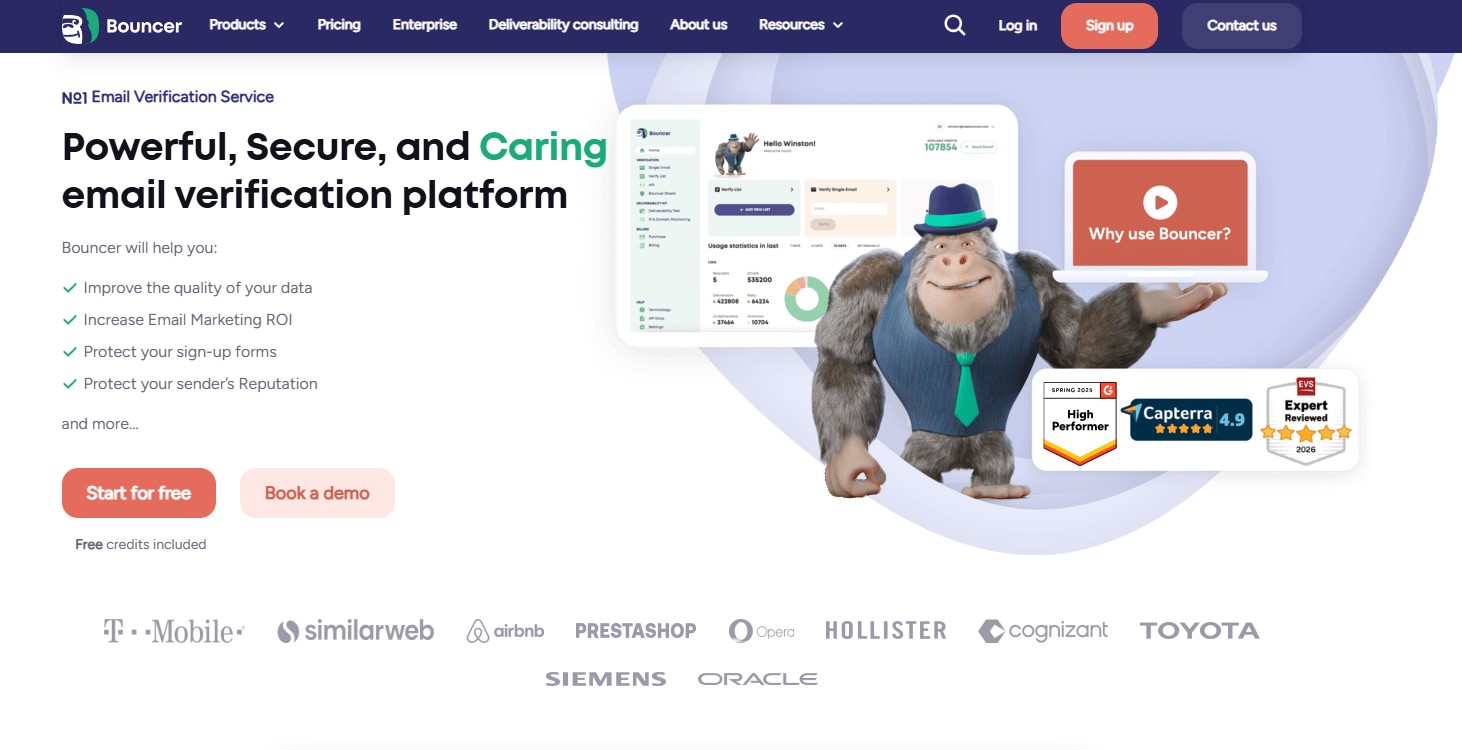
6. Bouncer
Bouncer is a straightforward email verification service designed for individuals and businesses who need a quick way to validate email lists without complex features. It focuses on fast pre-send verification, helping users identify invalid or high-risk email addresses to keep outreach effective and minimize bounces. Bouncer is ideal for one-off campaigns or occasional list checks rather than continuous list hygiene or real-time email validation.
Key Features
●
Bulk email list verification to upload a large list
●
Real-time email validation API integrated into forms or websites
●
Detection of invalid, disposable, and role-based emails
●
Deep catch-all detection with high accuracy
Pros
●
Fast and reliable list verification with quick turnaround
●
Competitive pricing with flexible credit-based options
●
User-friendly interface that’s intuitive and easy to use
Cons
●
Lacks the deeper reporting and deliverability analysis
●
Integration with certain platforms may require third-party tools
Pricing
●
Flexible pricing with pay-as-you-go and monthly subscription
●
Free credits available for initial email verifications
What Users Say
●
Users appreciate the simplicity and speed for quick list checks
●
Often highlighted as cost-effective for small businesses
Best For
Best for marketers and sales teams needing quick, reliable list cleaning
7. Kickbox
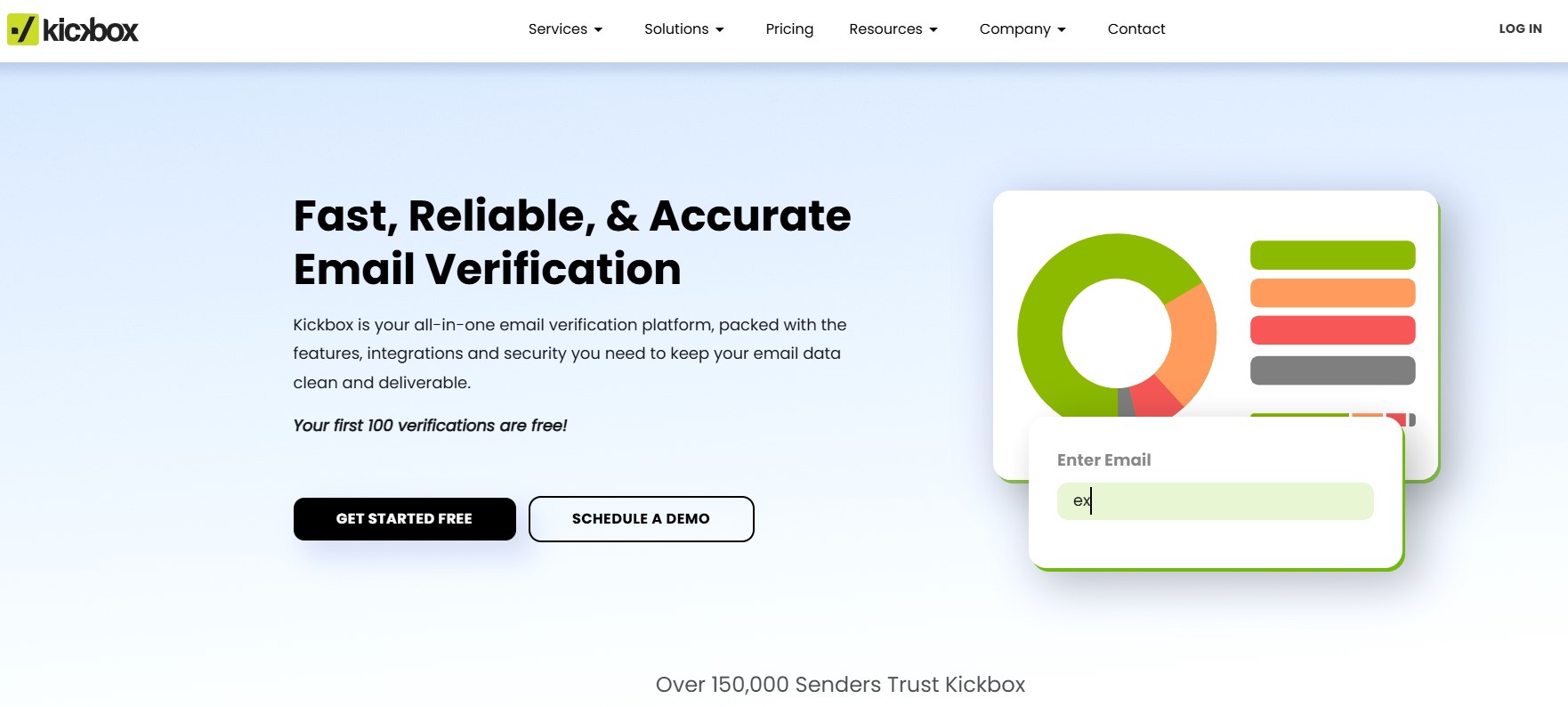
Kickbox helps businesses validate email lists and prevent hard bounces. It combines bulk list checks and real-time API integrations to catch invalid email addresses, protecting sender reputation and maintaining inbox deliverability.
The platform evaluates email quality and provides additional insights beyond validation. Kickbox supports both dashboard uploads and API access, making it suitable for teams that need integrated verification in their workflows.
Key Features
●
Bulk email list verification with simple list uploads
●
Real-time API validation for signup forms
●
Syntax, domain, and mailbox checks to ensure validity
●
Integrates with major ESPs and CRM platforms
Pros
●
Reliable verification with seamless integration
●
Real-time API helps prevent invalid entries at signup
Cons
●
Kickbox does not offer a monthly subscription model.
●
Purchased verification credits expire within 12 months
Pricing
●
Flexible pay-as-you-go pricing based on verification volume
●
Free credits available for initial test verifications
●
Prices start around $5 for 500 verifications and scale with volume
What Users Say
●
Users appreciate Kickbox’s intuitive interface and fast results for bulk cleanup
●
Many note that the real-time API and quality scoring help refine lists before campaign sends
Best For
Businesses need reliable, integrated email verification with real-time checks and quality scoring.
8. Hunter
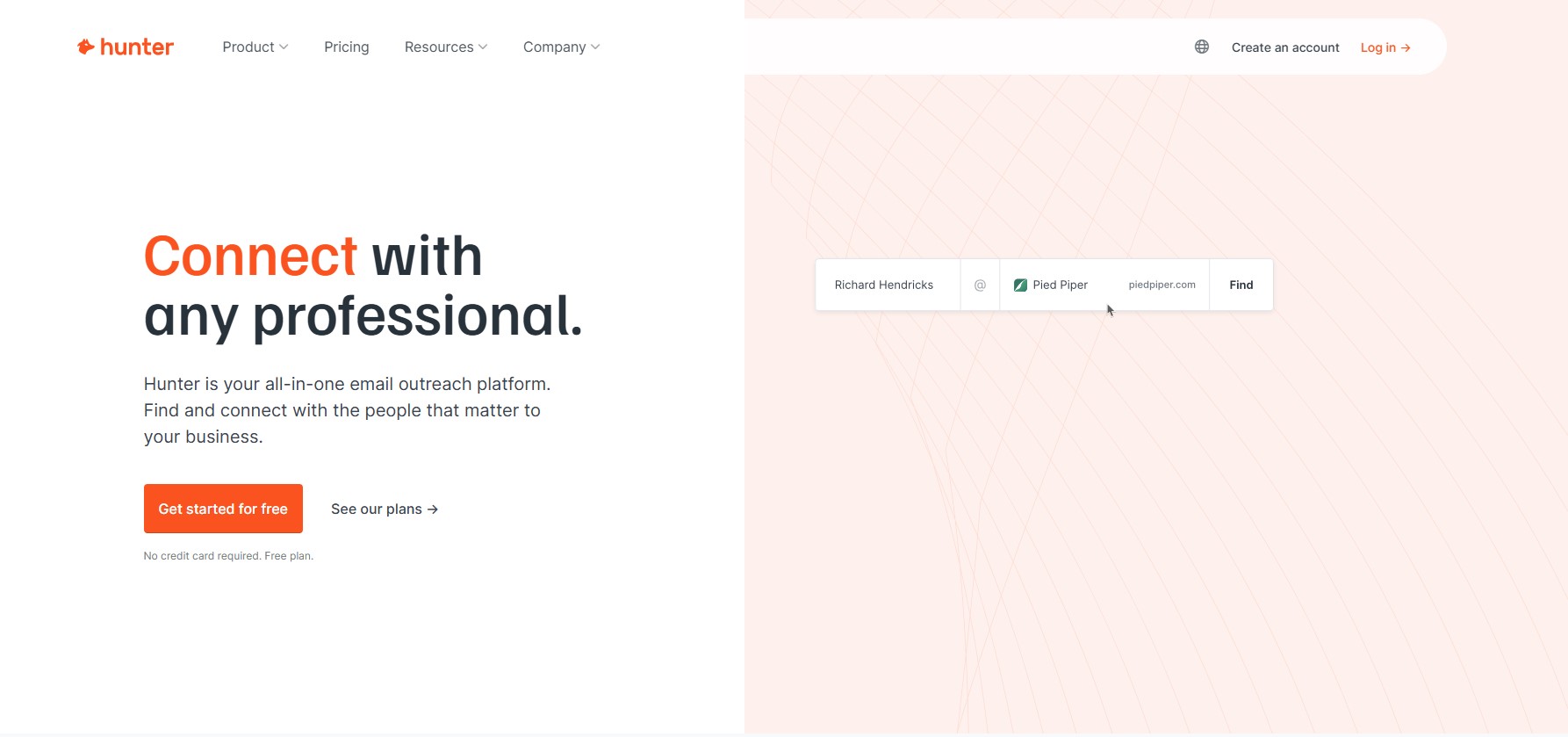
Hunter is best known as an email finding platform rather than a pure list-cleaning solution. It is commonly used by sales, recruiting, and outreach teams to discover professional email addresses associated with specific domains or individuals. Email verification is included as a supporting feature, helping users check accuracy before outreach rather than managing large-scale list hygiene.
Hunter is typically used in prospecting workflows, enabling users to discover and verify email addresses immediately, reducing bounces during outreach.
Key Features
●
Professional email finder for B2B prospecting
●
Built-in verification checks email accuracy instantly
●
Bulk email search and verification for lists
●
API access for automated email verification
Pros
●
Integrates smoothly with major CRM and workflow tools
●
Built-in verification improves email accuracy and deliverability
●
User-friendly interface with extensions for quick prospecting
Cons
●
Email verification credits can be costly for high-volume use
●
Email verification results can be inconsistent due to server load.
Pricing
●
Subscription-based plans with monthly limits
●
Free plan available with limited verifications
What Users Say
●
Users value the accuracy of email validation
●
Lacks some advanced verification features, especially in the list feature
Best For
Best for sales and recruiting teams focused on verifying email addresses for outbound outreach.
9. Emailable
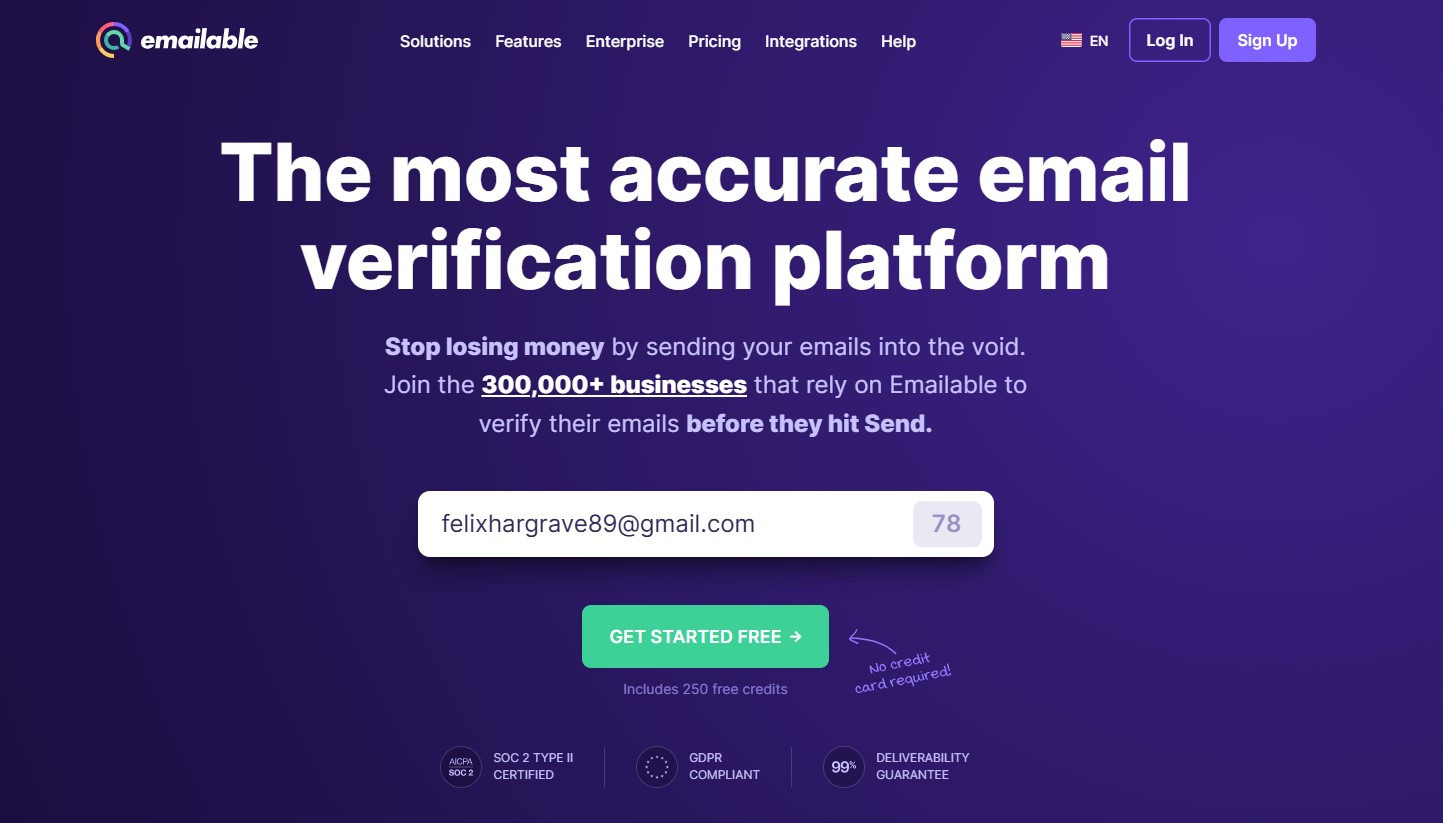
Emailable is a list validation platform designed for marketers and businesses looking to maintain clean email databases and minimize delivery issues. It focuses on filtering low-quality addresses from existing lists, helping teams protect sender reputation and improve overall inbox placement.
The platform supports list uploads and API-based workflows, making it suitable for both one-time list cleanup and ongoing validation processes. Emailable categorizes results clearly, allowing teams to identify which email addresses should be retained or removed quickly.
Key Features
●
Bulk list validation via dashboard uploads
●
Detection of invalid, disposable, role-based, catch-all addresses and email quality score detection.
●
SMTP and domain-level checks
●
API access for automated validation
Pros
●
Handles bulk list and real-time email verification efficiently
●
Clean interface with an easy-to-learn workflow
Cons
●
Lower accuracy when verifying catch-all email domains
Pricing
●
Pay-as-you-go and subscription plans available
●
Free credits provided for initial testing
What Users Say
●
Often praised for high processing speed
●
Frequently described as easy to use for list maintenance
Best For
Marketing teams and businesses focused on maintaining clean email databases, improving list hygiene, and protecting deliverability.
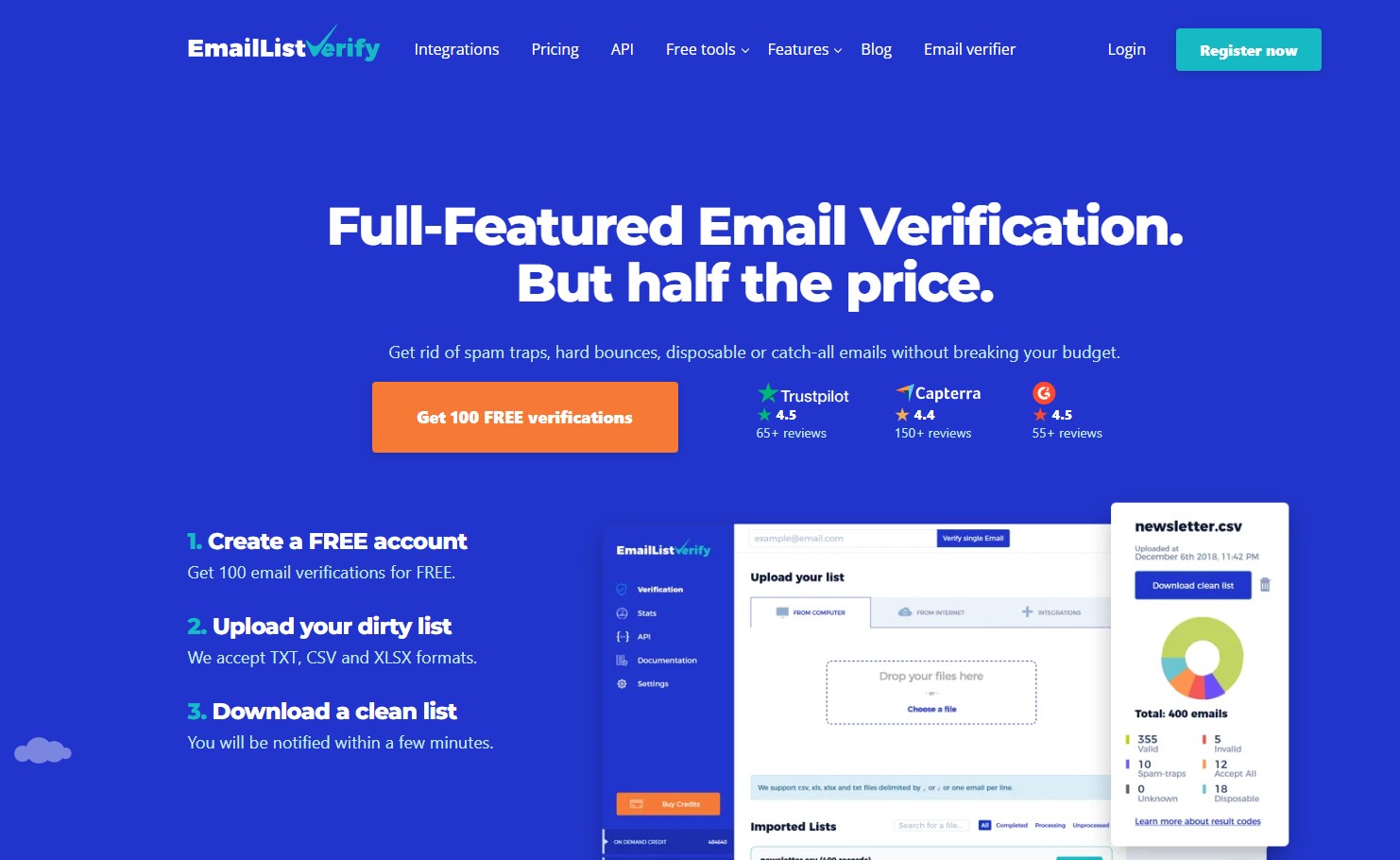
10. EmailListVerify
EmailListVerify is a utility-focused platform designed to quickly verify large email lists. It is commonly used by teams that need a structured way to clean email addresses from high-volume lists without dealing with complex dashboards or advanced configurations.
The platform centers on bulk uploads and automated checks that flag addresses likely to cause delivery problems. Instead of expanding into analytics, engagement tracking, or prospecting tools, EmailListVerify keeps its focus on fast list verification, making it a practical option when speed, simplicity, and cost efficiency are the priority.
Key Features
●
Bulk email verification via list uploads
●
Detection of invalid, disposable, role-based, and catch-all addresses
●
SMTP and domain-level checks
●
API access for automated validation
Pros
●
High accuracy in removing invalid and duplicate emails
●
Affordable pricing plan and easy-to-use interface
Cons
●
Limited reporting beyond verification results
●
Fewer integrations compared to other platforms
Pricing
●
Pay-as-you-go and subscription plans available
●
Plans start at approximately $4 for 1,000 credits
What Users Say
●
Users highlight the platform’s speed and reliability
●
Improved inbox placement after using EmailListVerify
Best For
Marketing teams and businesses that need fast, accurate cleaning of large or growing email lists.
Additional Email Verification Tools to Consider
The tools above cover some of the most widely used options for email verification. We’ve also included a few additional tools worth considering based on their verification capabilities, pricing, and overall use cases.
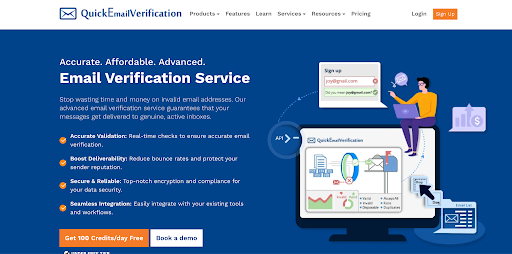
11. QuickEmailVerification
QuickEmailVerification is an email verification platform designed to help businesses clean email lists, reduce bounce rates, and improve email deliverability. Instead of focusing only on basic validation, it provides multiple verification checks to identify invalid, disposable, risky, and low-quality email addresses before they affect campaign performance.
Users can upload email lists directly into the QuickEmailVerification dashboard or integrate the service through API solutions for real-time email validation. The platform automatically processes email checks and provides detailed verification results, allowing users to separate valid contacts from addresses that may harm sender reputation.
Email verification results are organized into clear categories, making it easier for marketers and businesses to understand list quality and take action before sending campaigns.
Key Features
●
Multi-layer email verification, including syntax checks, domain validation, MX record verification, and mailbox-level checks
●
Bulk email list cleaning to identify invalid, disposable, and risky email addresses
●
Real-time email verification API for signup forms, applications, and customer data collection
●
IP address blacklist check to identify whether an IP address is listed on known blacklists and help protect sender reputation
●
Detailed verification reports with clear status categories for better list management
Pros
●
High accuracy: Helps identify invalid and risky email addresses to maintain cleaner email databases
●
Easy list management: Simple dashboard allows users to upload, verify, and export cleaned email lists efficiently
●
Flexible verification options: Supports both bulk verification and real-time email validation through API integration
●
Deliverability-focused tools: Additional features help businesses monitor and improve email sending performance
Cons
●
Limited advanced marketing analytics compared with some enterprise-focused platforms
●
May require API setup for businesses that need fully automated real-time verification workflows
Pricing
●
Pay-as-you-go verification plans available for users with different list sizes
●
Free credits available for testing email verification accuracy before purchasing
●
Scalable pricing options suitable for occasional users and businesses managing larger email databases
What Users Say
●
Users appreciate QuickEmailVerification’s straightforward interface and fast email list processing capabilities.
●
Businesses highlight its ability to identify invalid, disposable, and risky email addresses, helping them maintain cleaner contact databases.
●
Users value the detailed verification results and simple workflow for improving email campaign quality.
Best For
●
Businesses looking to clean and maintain high-quality email lists
●
Marketers and agencies managing email campaigns and outreach databases
●
SaaS companies and online platforms needing real-time email validation during user registration
12. EmailOversight
EmailOversight is an email validation and data enrichment platform designed for teams that need more than basic list cleaning. Beyond email validation, it offers phone and postal validation, identity data append services, and engagement scoring. This broader focus makes it useful for businesses managing larger contact records, although it involves more setup and a higher cost than tools focused specifically on email list verification.

Key Features
●
Bulk and single email verification with syntax, domain, and mailbox-level checks
●
Detection of disposable, spam-trap, bot, and litigator addresses
●
Real-time API for point-of-entry validation, with bulk upload for list processing
●
Integrations with Salesforce, Mailchimp, and Constant Contact
Pros
●
Supports email, phone, and postal validation within one platform
●
Enrichment services help fill missing contact information
Cons
●
API and configuration setup can require more technical involvement than simpler email verification tools
●
Large lists may take longer to process than platforms focused primarily on email verification
Pricing
●
Usage-based and monthly plans are available
●
Plans start at approximately $70 per month to $750 per month for up to 250k records
●
Free trial includes 200 credits for testing list cleaning and API capabilities
What Users Say
●
Users mention its validation performance with harder-to-verify domains such as Yahoo, AOL, and Verizon
●
Some users note that recipient validation and other advanced options are missing compared with simpler email verification and spam-detection tools.
Best For
Businesses that need email verification alongside phone and address validation, contact enrichment, and engagement data rather than a dedicated email list cleaning tool.
Bottom Line
Choosing the right email verification tool can significantly improve your campaign performance and deliverability. All the platforms listed above offer reliable ways to keep email lists clean, reduce bounce rates, and protect your sender reputation. While some tools excel at bulk verification, others offer real-time checks, prospecting support, and additional insights, such as engagement data.
The best choice depends on your specific needs, whether you prioritize speed, simplicity, advanced analytics, or seamless integrations with your existing workflows. By selecting a tool that fits your team and workflow, you can ensure your emails reach the inbox, maximize engagement, and maintain a strong, trusted sending reputation.
Frequently Asked Questions (FAQs) on Email Verification
1. What is an email verification tool and how does it work?
An email verification tool checks whether an email address is valid and safe to send emails before launching campaigns. It works through syntax checks, domain checks, and SMTP verification. It also flags disposable, role-based, and catch-all addresses to help reduce bounces and protect sender reputation.
2. What factors should I consider when choosing an email verification tool?
When choosing an email verification tool, consider its accuracy, verification speed, and ability to detect invalid, disposable, and catch-all emails. Look for features like bulk list support, real-time or API verification, clear result statuses, and strong data privacy compliance. Flexible pricing options are also important based on how often you verify emails.
3. Do email verification tools comply with GDPR and data privacy regulations?
Reputable email verification tools are designed to comply with GDPR and data privacy regulations. They process email addresses only for verification purposes and do not store, sell, or reuse the data. Always review the provider’s privacy policy, data handling practices, and security measures before using the tool.
4. Why did my bounce rate stay high even after using a verification tool?
A high bounce rate can still occur even after verification because factors like spam traps, catch-all domains, outdated lists, or poor sender reputation affect deliverability. Verification improves list quality, but successful email delivery also depends on sending practices, domain/IP reputation, and proper campaign setup.
5. Should I verify emails scraped from social media or company websites?
Yes, any emails collected from social media or websites should be verified before use. These lists often contain invalid, outdated, or role-based addresses. Verification reduces bounce risk and protects your sender reputation, but always ensure your email collection methods comply with privacy and platform policies.
6. Why do different tools give different results for the same email?
Different email verification tools use their own validation methods, data sources, and risk thresholds. Some are stricter with catch-all or role-based addresses, while others are more lenient. Timing, server responses, and scoring models can also cause variations in results.
7. What happens to emails marked as “unknown” or “catch-all”?
Emails marked as “unknown” could not be fully verified. This usually happens because the receiving mail server limits or blocks verification checks for privacy and security reasons. As a result, the status remains unknown.
Emails marked as “catch-all” (or “accept-all”) come from domains set up to accept all incoming emails, even if the specific mailbox doesn’t exist. Since the server doesn’t reject invalid addresses, it’s not possible to confirm whether the mailbox is real.
Both types carry a higher risk, so marketers typically send them or exclude them from large campaigns.
8. Is pay-as-you-go better than monthly plans for email verification?
Pay-as-you-go plans are ideal for one-time list cleaning or occasional email verification. Monthly plans work better for ongoing needs like regular list uploads, lead generation, or real-time signup verification. The best option depends on how frequently you collect and verify email addresses.