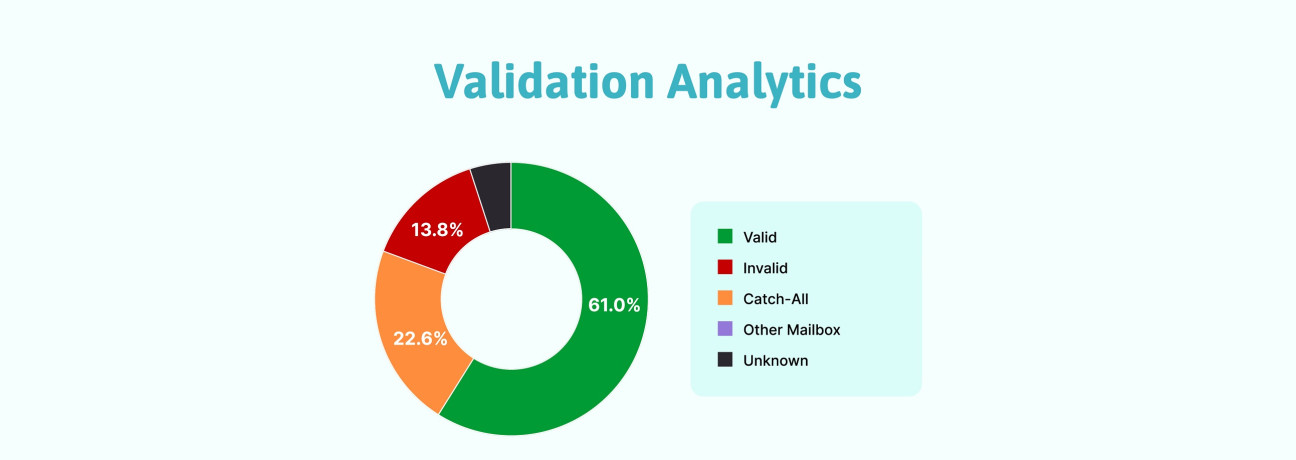
You run your email list through an email validation tool, download the results, and find four different statuses: Valid, Invalid, Catch-All, and Unknown. You expected a clean email list, but now you're left wondering what to do with each group.
Should you remove every address that isn't marked Valid? Could some of those uncertain contacts still be worth keeping? And how do you avoid sending to addresses that could increase your bounce rate?
Each verification status indicates a different level of certainty about an email address. Understanding these results allows you to determine which email addresses are suitable for sending, which should be removed from your active list, and which require further verification.
In this guide, we'll explain what each status means, how to handle the results, and how to manage your email list before launching your next campaign.
Understanding Email Verification Results
An email verification tool checks an address's syntax, domain, and mail routing records. It may also perform SMTP checks to examine how the receiving server responds. The results indicate whether an address passed the available checks, failed verification, or remains unconfirmed.
What Do the Different Statuses Mean?
Each status indicates a different level of certainty and calls for a different action.
Valid
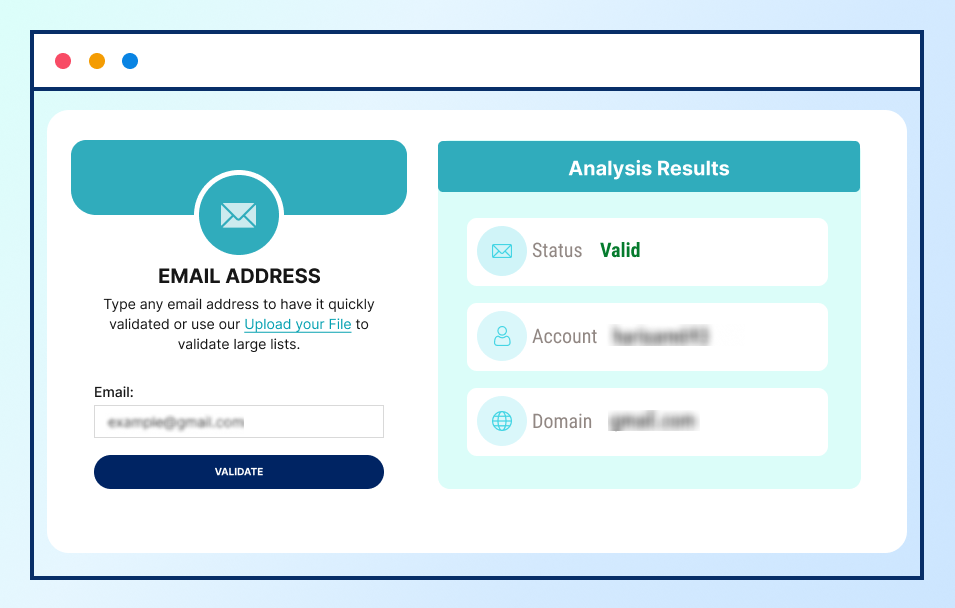
Valid Email Addresses
A Valid result means the address passed the verification checks performed by the tool. Where SMTP verification is available, the receiving server's response provides additional evidence that the address can accept email. However, verification is not a guarantee of delivery or inbox placement. Mailbox status and server policies can change after the check.
Invalid
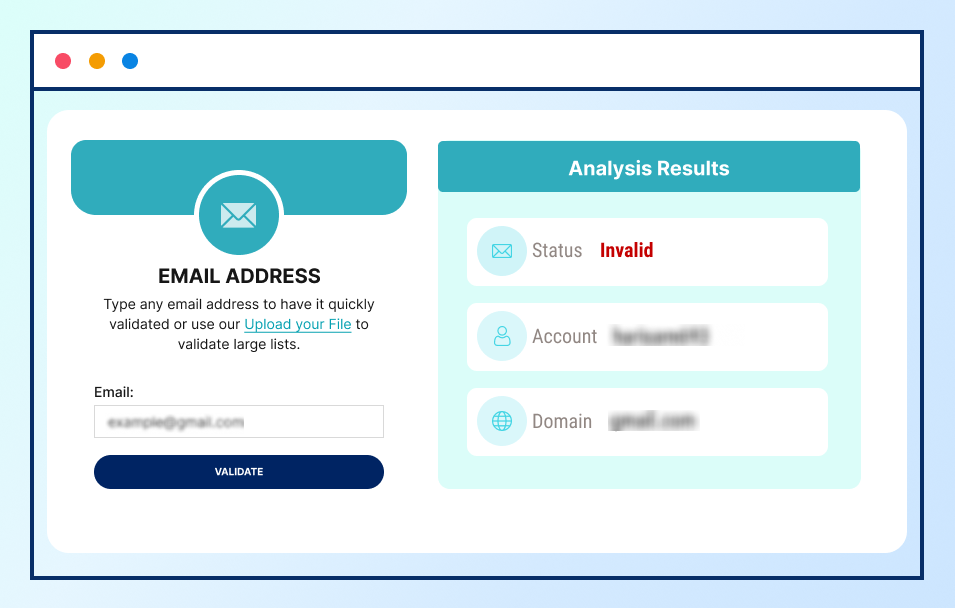
Invalid Email Addresses
An Invalid result means the address failed one or more verification checks. Common reasons include incorrect syntax, a non-existent domain, missing or unusable mail routing records, or a server response indicating that the recipient address is unavailable.
Catch-All
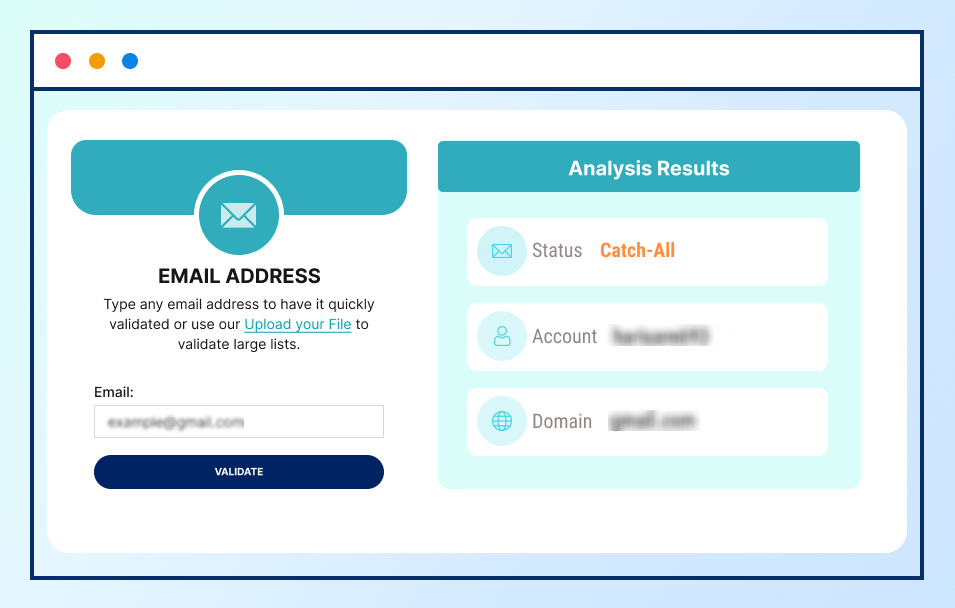
Catch-All Email Addresses
A Catch-All result indicates that the receiving domain accepts email addressed to different recipients without confirming whether each individual mailbox exists. As a result, the verifier cannot reliably determine whether the specific email address belongs to an active mailbox. Some catch-all addresses belong to active mailboxes, while others may not reach an actual recipient. Verification alone cannot confirm whether the specific mailbox exists.
Unknown
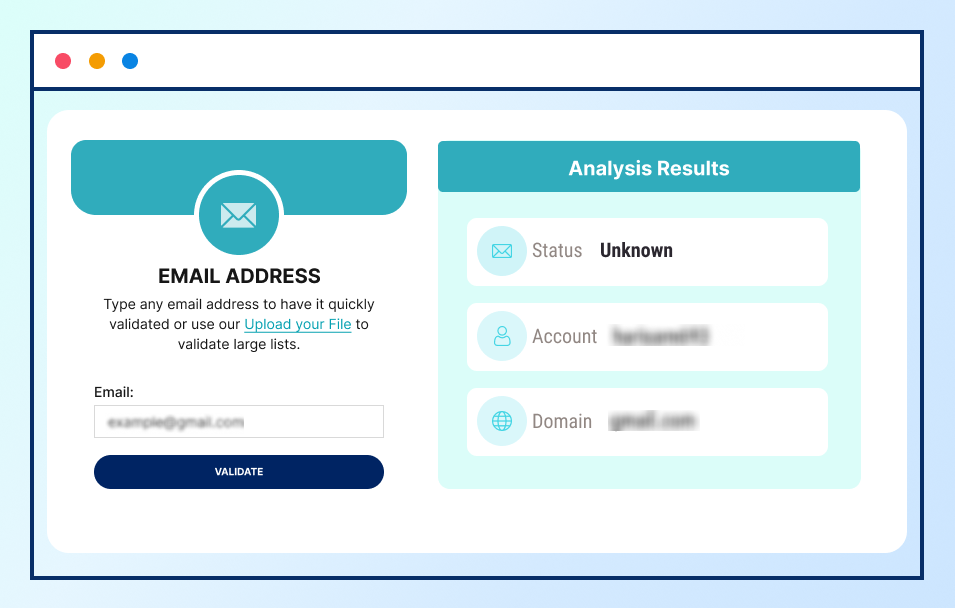
Unknown Email Addresses
An Unknown result indicates that the verification process could not determine whether an email address is valid or invalid. This can happen when the receiving server times out, restricts verification attempts, or returns a temporary response that prevents a conclusive result.
Unlike an Invalid result, Unknown does not confirm that the address is undeliverable. The mailbox status remains unconfirmed, so the address may need to be verified again before it is included in a campaign.
What to Do With Each Email Verification Result
Use the result to decide whether to retain, suppress, or separate each address. Your default action should depend on what the verification result actually establishes.
Valid: Keep and Monitor
Keep Valid addresses eligible for campaigns when the contacts match your target audience and have permission to receive your emails.
Before sending, check previous campaign reports for hard bounces associated with those addresses. Suppress addresses that have already generated hard bounces rather than relying on a newer verification result alone.
After sending, monitor your bounce rate and investigate unexpected increases. Review hard and soft bounces separately, suppress invalid addresses, and check how the affected contacts entered your list.
Invalid: Correct or Suppress
Suppress Invalid addresses from your active campaign list. If an address appears to contain a typo, compare it with the original form submission, customer record, or another reliable source.
For example, if the recorded address is jane@gmial.com, do not assume the intended address is jane@gmail.com. Check the original record or contact the person through an existing, reliable channel to confirm the correct spelling. Once confirmed, verify the corrected address before adding it back to your active list.
Suppressing rather than simply deleting invalid records also helps prevent them from being re-imported into future campaigns.
Catch-All: Review Before Sending
Keep Catch-All addresses in a separate segment while you decide whether they are suitable for a campaign.
Start with the contact source, collection date, previous interactions, and permission to email the person. A recent enquiry form provides useful context about why the contact shared their address. An old spreadsheet with no collection date or source information provides less confidence.
If the contact has an established business relationship with you, use a reliable existing channel, such as a previous business conversation or a known business phone number, to confirm their preferred email address. If you cannot establish sufficient confidence in the address, keep it out of your campaign-ready list.
Unknown: Check the Address and Try Again
Start by checking the original contact record for spelling errors and confirming that the domain was entered correctly.
If the details are correct and a temporary server issue is possible, retry verification later. Follow your verification tool's guidance where available rather than assuming a fixed retry interval applies to every receiving server.
If the result remains Unknown after another check, keep the address separate from your campaign-ready list. Do not automatically classify it as Invalid, but do not treat it as confirmed for sending either.
Key Takeaways
- Valid: Keep eligible contacts active and monitor bounce reports.
- Invalid: Suppress the address unless you can confirm and correct a typo.
- Catch-All: Keep the address separate until you have enough evidence to decide whether to send.
- Unknown: Check for errors, retry when appropriate, and keep unresolved addresses out of your campaign-ready list.
Frequently Asked Questions (FAQs) on Email Verification Results
1. Should I delete every email address that isn't marked Valid?
No. Suppress Invalid addresses from active campaigns unless you can confirm and correct a typo. Keep Catch-All and Unknown addresses separate until you have enough evidence to decide whether they are suitable for sending.
2. Can an email address marked Valid still bounce?
Yes. A Valid result reflects the checks performed at the time of verification. Mailbox status and receiving server policies can change, and other delivery problems can arise. Monitor bounce reports and suppress addresses that generate hard bounces.
3. Can I send emails to Catch-All addresses?
A Catch-All result does not confirm that the individual mailbox exists. Review the contact source, relationship history, and permission to email the person. Seek confirmation through a reliable existing channel where possible. If you cannot establish sufficient confidence, leave the address out of your campaign-ready list.
4. How often should I verify my email list?
Verify your list before important campaigns, especially when contacts were collected a long time ago or imported from different sources. Recheck addresses when contact details change or campaign reports show unexpected hard bounces. The right frequency depends on how often your list changes and how you use it.
5. What should I do if my email bounce rate increases?
Review your campaign's bounce reports and identify whether failures are hard or soft bounces. Suppress invalid addresses, investigate recurring delivery errors, and review how the affected contacts entered your list.